
01
Your First Steps on Aurora 5
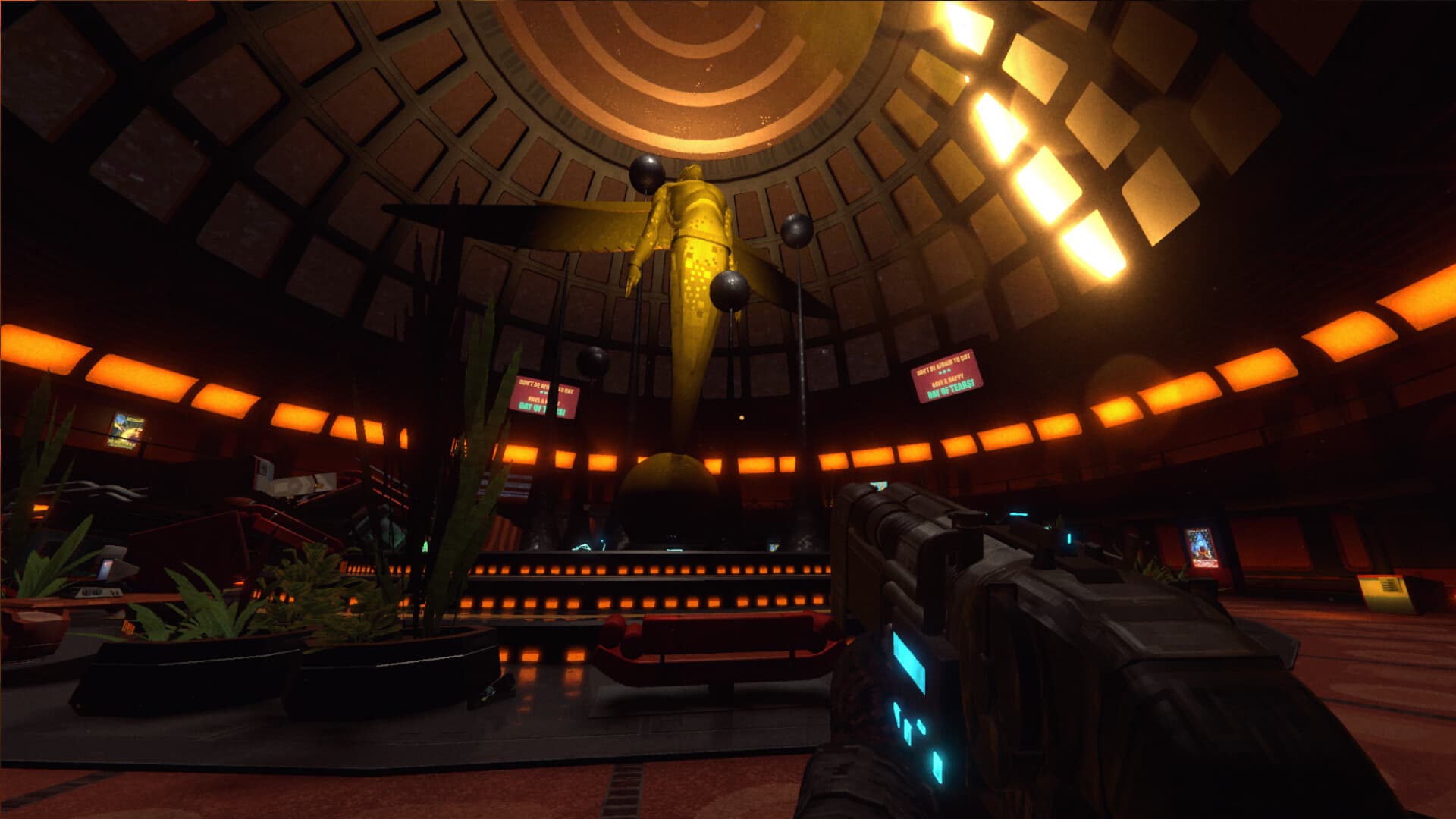
RetroSpace is a single-player, first-person immersive horror game aboard Aurora 5. You play a janitor exploring a space station swallowed by a sentient black hole, where mutants and unfamiliar systems stand between you and the way forward.
The official descriptions emphasise several ways to solve problems: stealth, hacking, traps, hidden routes, weapons, and Mutamods. Start by learning which options are available in the area you are exploring.
Review difficulty and saving settings, learn the controls, and take time to observe your surroundings. This guide covers the core systems documented by the developer; exact puzzle solutions and complete walkthrough routes require separate verification.
02
Choose Your Difficulty and Saving Settings
The developer FAQ confirms four difficulty levels. It also says a save option can be enabled at every difficulty.
Before starting, review both settings in the game and choose a setup that lets you explore comfortably while learning its systems. This makes it easier to experiment with a route or encounter at a pace that suits you.
The developer estimates a standard playthrough at 10–15 hours. Use that as a planning estimate: your exploration, approach to encounters, and completion goals can change the time you spend aboard Aurora 5.
03
Consider the Route Before the Fight
When you enter an unfamiliar area, first consider the route. Look for another way through, observe the security systems, and think about which of your available tools could help you move forward.
The official descriptions include stealth, hacking, traps, and hidden passages alongside direct combat. Treat each encounter as an opportunity to consider several approaches.
Aurora 5 includes connected areas and shortcuts, and the station shifts between two time periods. Pay attention to how your surroundings and available routes change as you explore.
04
Keep Puzzle Clues and Versions Together
When looking for a door or puzzle solution, match the area and the game version. Searches for RetroSpace “codes” often concern in-game combinations; promotional redemption codes are a separate question.
- Record the name of the area, door, or terminal you are trying to open.
- Keep the clue you found with the location where you found it.
- Check whether the walkthrough describes the demo or the full game.
待确认:Demo solutions need their own verification before being applied to the full release. This beginner guide does not publish guessed combinations for Janitor Haven, the Morgue, or Security Level 2.
05
Observe Enemies and Choose an Approach
The official website describes enemies with different behaviours, abilities, and weaknesses. Observe an encounter before committing to a plan, then consider the available route, security systems, traps, and weapons.
If an approach fails, use what you learned to reconsider the encounter. A quieter route or another system may offer a different way to progress.
待确认:Specific enemy weakness values, locations, and combat sequences are outside the verified scope of this introduction. Use it as preparation for reading the situation in the game.
06
Understand Mutamod Trade-offs
Mutamods provide abilities that can affect combat, stealth, and exploration. The developer also describes possible side effects.
Before choosing a mutation, read its in-game description and consider both the ability and its drawback. Think about the problem you want to solve and how the change fits your approach to the station.
A useful ability can come with a cost. 待确认:Specific “best build” recommendations require testing the relevant Mutamods and their side effects in the full game.
07
Plan for Cloning and Equipment Recovery
Cloning is part of RetroSpace’s survival loop. After death, you can return through cloning and recover equipment from your previous body. The official description also warns that cloning has drawbacks.
Treat equipment recovery as a new route-planning problem. Consider what stopped you before, what you want to recover, and whether another approach is available.
Adapt your plan to what happened during the previous attempt. 待确认:Exact cloning penalties and limits are not specified in this guide because they have not been verified in the current source material.
08
Understand the Demo and Full Game
A free RetroSpace demo is listed on Steam. The developer FAQ states that demo progress does not transfer to the full game.
Use the demo to explore the game’s style and systems, and plan to begin separately in the full release. Keep demo walkthroughs distinct from full-game guidance when searching for puzzle or route help.
Common Questions
Questions from Players
Is RetroSpace single-player?
Yes. RetroSpace is single-player. The developer FAQ says there are currently no plans for co-op or multiplayer.
How long does RetroSpace take to finish?
The developer estimates 10–15 hours for a standard playthrough. This is a developer estimate, and exploration or completion goals can change your playtime.
Can I save at every difficulty?
The developer FAQ says a save option can be enabled at each of the four difficulty levels. Review the in-game settings before starting.
Does demo progress transfer to the full game?
No. The developer FAQ states that demo progress does not carry over to the full game.
Which platforms does the developer list?
The Windows PC version is listed on Steam. The developer FAQ also lists Xbox and PlayStation 5. 待确认:A Nintendo Switch 2 release remains pending.
Are there verified promotional redemption codes?
No active promotional redemption codes have been verified in the official sources checked for this guide. Door and puzzle combinations are a separate topic.